Open now · Closes 9:00 PM
1010 Dream Crest Rd, Mississauga · (905) 286-1998
Momin Grocers storefront
Serving Mississauga since 2011, formerly Asian Point

Fresh halal meat, cut to order. And the whole grocery list.

A full-service zabiha butcher counter backed by a proper South Asian grocery. Goat, beef, chicken and lamb cut the way you ask, plus the rice, masala, produce and frozen staples you came for.

★★★★3.9 from 87 Google reviews
100%Hand-slaughtered halal
7 daysOpen every day till 9 PM

This week at the counterFresh cuts, sharp prices
All deals
Cut to orderNo extra charge
Whole goat & lambOrder a day ahead
Aqeeqah & QurbaniWe take bookings
Free parkingRight at the door
This week's flyer. Get it by email ·See the full site
Weekly Specials

What's on sale right now

Updated every week by the store. Come early — the good cuts move fast.

The Butcher Counter

Tell us how you want it cut.

Nothing is pre-packed and left sitting. You point, we weigh, we cut. Boneless, bone-in, curry cut, chops, keema — whatever the recipe calls for.

Call ahead: (905) 286-1998 Book whole goat, Aqeeqah or Qurbani →
Why people drive past three stores to get here

Halal you can actually trust

  • ✓
    Hand-slaughtered, zabiha halal — sourced from Ontario farms we've used for years.
  • ✓
    Cut fresh in front of you — no pre-wrapped trays of unknown age.
  • ✓
    Whole goat, lamb and baby beef — order a day ahead for aqeeqah, walima or Qurbani.
  • ✓
    Marinated & ready-to-cook — seekh kebab, tikka boti, chapli mix made in house.
← Back to the store
Order Ahead

Special orders & bookings

Whole goat, lamb and baby beef. Aqeeqah and Qurbani bookings. Bulk rice, party trays. Send it through here and we'll call you back to confirm.

We need at least a day's notice. For anything sooner, please call the counter.
This is a request, not a confirmed order. We'll call you back to confirm weight, price and pickup time before anything is cut.
The Aisles

One stop for the whole week

A full grocery run under one roof — so you're not making a second stop.

On our shelves

The brands you cook with

The names you know from back home, stocked every week.

Shan
National
Tapal
Knorr
Lipton
K&N's
Peek Freans
Deep
Dalda
Shan
National
Tapal
Knorr
Lipton
K&N's
Peek Freans
Deep
Dalda
Products we carry

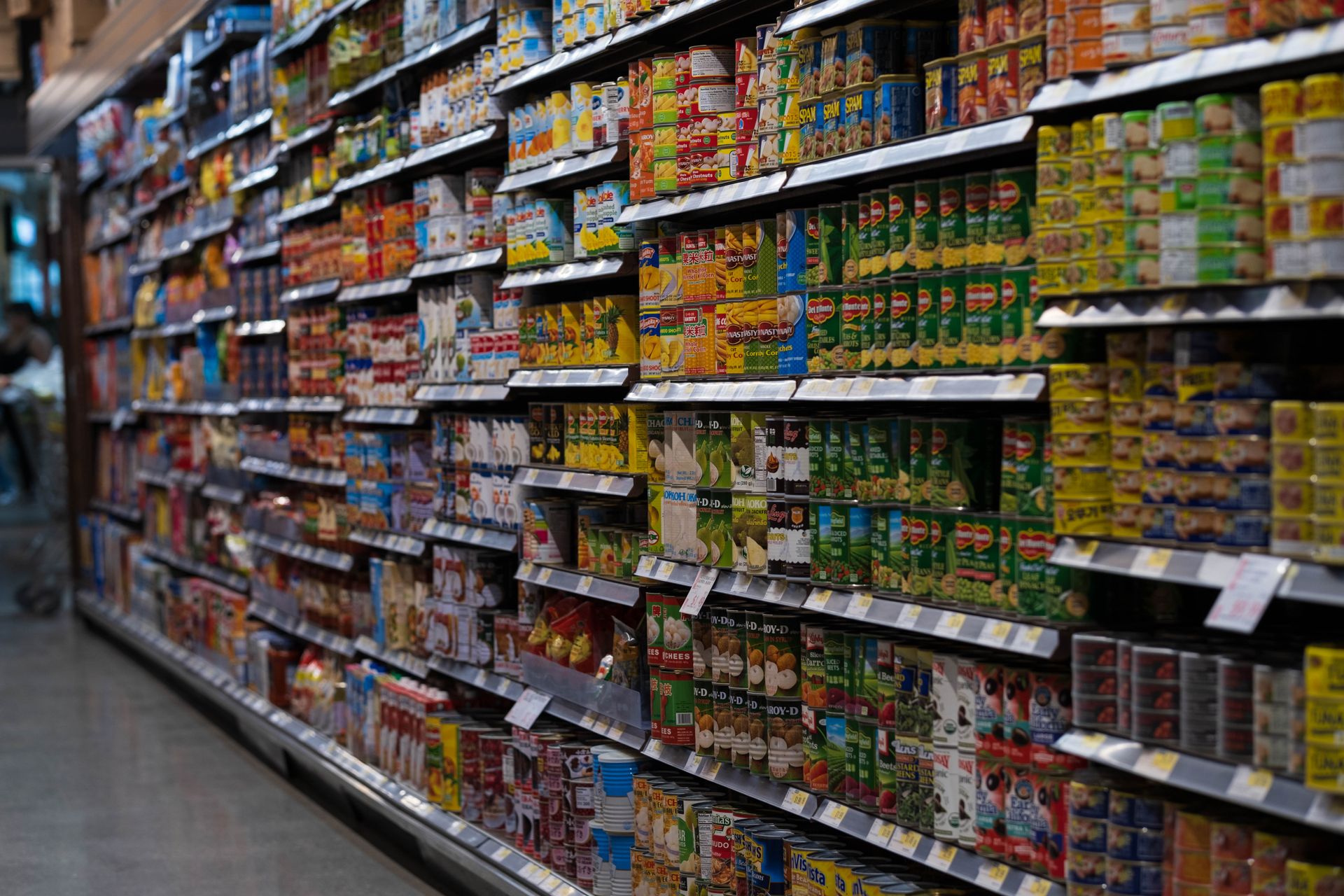
A look at what's on the shelves

Can't find it? Ask us.We'll text you if we have it or can bring it in.
Weekly Deals by Email

Get the specials before they sell out.

One email a week with the new prices — sent Thursday night, before the weekend rush. Unsubscribe any time, one click, no questions.

No spam. Just the weekly specials.
Deals only — to place an order please use the order form.
Find Us

Come by the store

Just off Terry Fox Way near Heatherleigh Park. Easy parking, in and out.

Store Hours

◎
Address
1010 Dream Crest Rd, Mississauga, ON L5V 3A4
★
Rating
3.9 on Google · 87 reviews
Open in Google Maps
1010 Dream Crest Rd, Mississauga

Store Login

Enter the store password to manage products, prices and deals.

Store ManagerMOMIN HALAL MEAT & GROCERY

Add an order taken by phone or at the counter

Just type what the customer asked for and it fills the form in — no need to tab through every box. Orders placed on the website appear below on their own; this is only for the ones you take in person or over the phone.

Special orders

Requests customers sent from the website. Call them back, confirm the price, then mark it ready when it's cut. Oldest pickup date first.

Add a product

It shows up on the website the moment you save.
No photo
Take a photo on your phone — it gets resized automatically.

Your products

items on the site right now.
ProductCategoryPriceLabelStatus

Shared order list

This is what makes website orders turn up in the Orders tab. Without it, an order placed on a customer's phone stays on their phone, and the only thing that reaches the store is the email. One-off setup, already done for you.
Normally leave this empty. The address is already built into the site. Only fill it in to point this device at a different order list.
This is what stops anyone else reading your customers' names and phone numbers. It is only ever stored on this device.
The WhatsApp deals button is switched off. Leave this blank unless you decide to turn it on later. Country code, no spaces or symbols. Canada starts with 1.

How you get told about a new order

Nothing to set up here — this is just so you know how it works.
  1. A customer sends an order from the website.
  2. It is written into your order list first, so it can never go missing.
  3. Then an email lands in the store inbox telling you about it. It comes from your own address, so it won't be treated as junk.
  4. It is already waiting in the Orders tab. Call them back, confirm the price, mark it ready when it's cut.
If the email ever stops arriving, no order is lost — every one of them is in the Orders tab regardless. The email is a nudge, not the record.

The weekly deals

Open the Deals List tab whenever you want to send the flyer. Copy the emails out, or download them as a spreadsheet, and send from your newsletter tool.
How the weekly deals actually work — read this once
  • The website collects the people who want your deals. It does not send the flyer. You send that yourself, once a week, and it takes about five minutes.
  • Don't send it from Gmail with everyone in the To: line — Gmail will cut you off and it breaks Canadian anti-spam law. Use a free newsletter tool (Mailchimp, Brevo, MailerLite). It sends to everyone at once and handles unsubscribes for you.
  • Every marketing email must show the store's real address and a working unsubscribe link, and you must stop within 10 business days if someone clicks it. The newsletter tool does this automatically. That's the whole reason to use one.
  • Nothing reminds you to send it. Put a repeating alarm on your phone for Thursday evening. Shops that quit do it because of the habit, not the tech.

Publish this week's flyer

Upload the flyer image (photo, PNG or JPG). It goes on the website and the counter QR page straight away, and is emailed to everyone on the list Thursday 9 AM.

This week's flyer

Built from the deals you switched on. Change a price in Weekly Deals and press Rebuild — the flyer updates itself.

Preview

This exact picture is what goes out. Save it and you can also post it to Instagram, Facebook or print it for the window.

Email deals list

Everyone who signed up on the website for the weekly deals. Sign-ups arrive here on their own, from whatever phone they were typed on. Copy the emails or download the spreadsheet, then send the flyer from your newsletter tool. The website collects them — it doesn't send.
NameEmailSigned up

Add a weekly deal

Deals appear in the yellow "Weekly Specials" band and in the box on the homepage.
Take it on your phone. It gets shrunk automatically.

Running deals

Turn a deal off when it ends — you don't have to delete it.
ItemSaleWasStatus

Store details

Shows in the header, footer and Visit Us section.

Opening hours

Type "Closed" if you're shut that day.